Auto Refresh | Page Monitor
Reload a page on a timer. Get told the moment it changes.
It runs inside the browser session you are already signed into, so it watches what a hosted checker never sees: the dashboard behind a company login, a stock page that only tells the truth while you are signed in, the queue you are personally standing in. Set an interval, say what you are waiting for, and go do something else.
What it does
- Intervals that fit the job: fixed seconds, a random range, or an exact duration — stopping after a set number of reloads or the moment you touch the page
- Watch a word appear or vanish, an element change, or a pattern match — inside one region of the page instead of the whole thing
- Alerts that leave the browser: sound, notification and tab-to-front, plus email, webhooks and chat channels on a paid plan
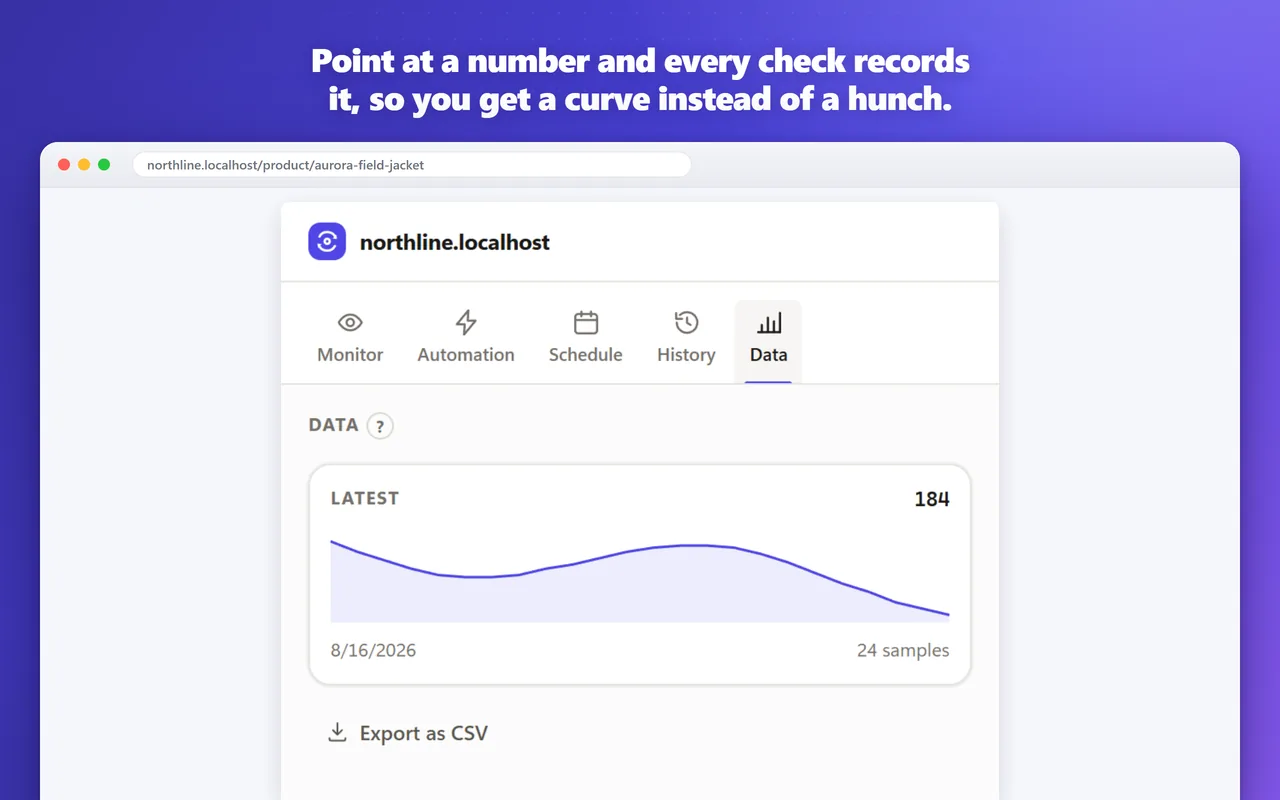
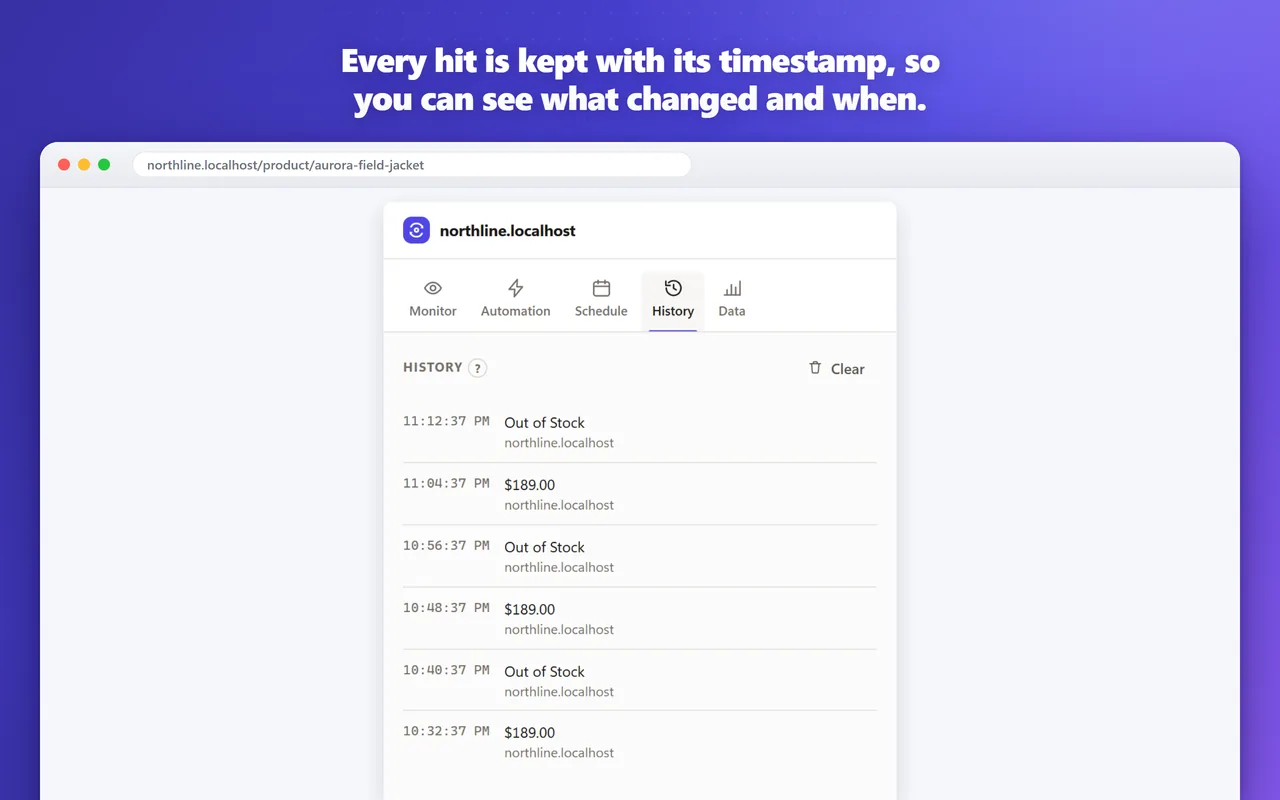
- Point at a number and every check records it, so you end up with a change history, a chart and a threshold alert instead of a hunch
- No site access until you grant it, one site at a time — timed reloads need none at all, and the pages you visit are never collected
Screenshots

Frequently asked questions
Does it need access to every website?
No. Reloading a tab on a timer needs no site access at all. You grant access one site at a time, only when you want to watch what's on that page, and you can revoke it whenever you like.
Does it keep running when the browser is closed?
No. It runs inside your browser, which is what lets it watch pages behind your own sign-in, so checks happen while the browser is open.
Is there a free plan?
Yes, and it doesn't expire. Timed reloads with every interval option, the on-page countdown and three keyword monitors are free. Paid plans add more monitors and alerts that leave the browser, such as email and webhooks.
Will it solve captchas for me?
No. It can notice that a captcha has appeared and pause so you can deal with it, but it never tries to solve or get around one.
What's new
All updatesPicking a page region now shows what you selected
After you pick an element, a brief outline confirms the region you chose, and the extension no longer creates a monitor on its own. Keyword and AI rules are limited to that region, and watching it for any change is now a separate button.