ReelCap – Web Demo Screen Recorder
Record web demos that point where you point.
ReelCap captures any browser tab straight to video — with a highlighted cursor, click ripples, your voice and a webcam bubble. Recording is free and needs no account; Pro adds click auto-zoom, MP4 and GIF export, and those run in your browser too.
What it does
- Record any browser tab straight to WEBM video — only the page, never your desktop
- Highlighted cursor and a ripple on every click, so viewers see exactly where you point
- Your microphone mixed with the tab's own audio into one clean track
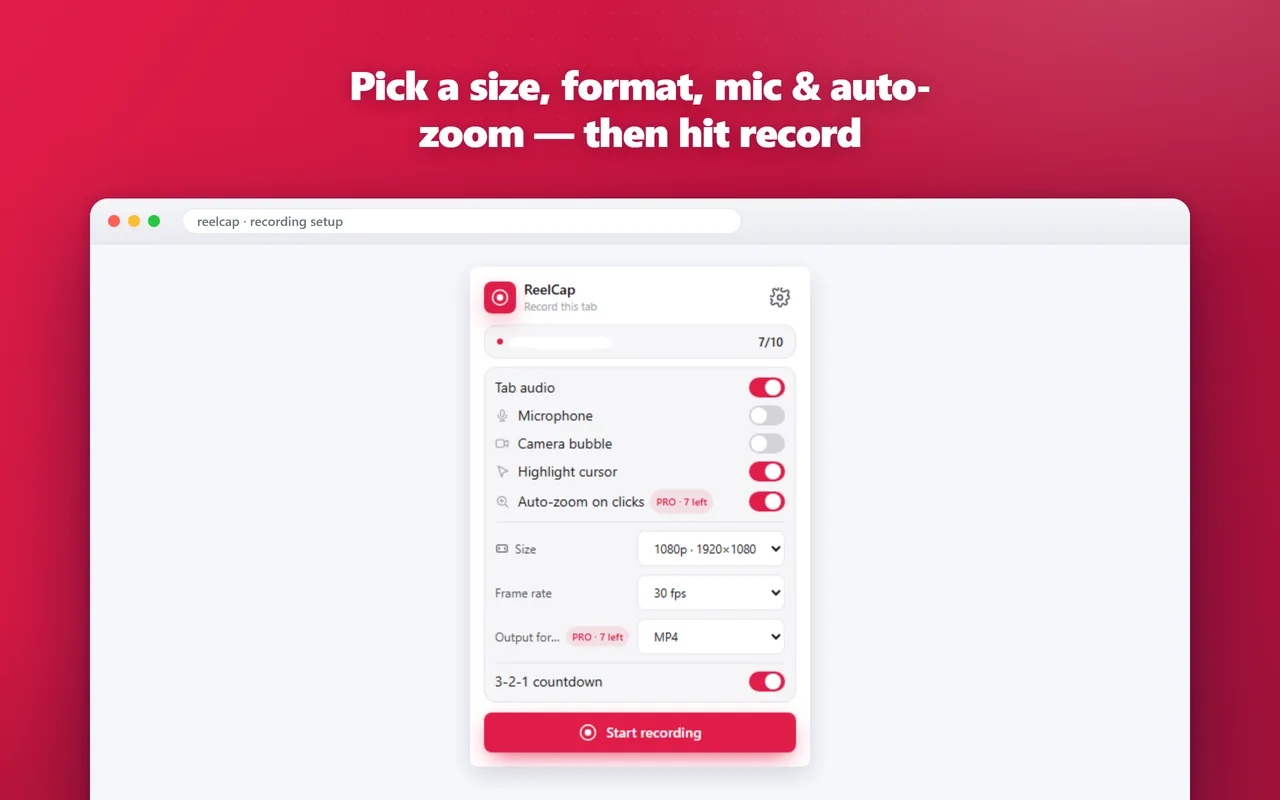
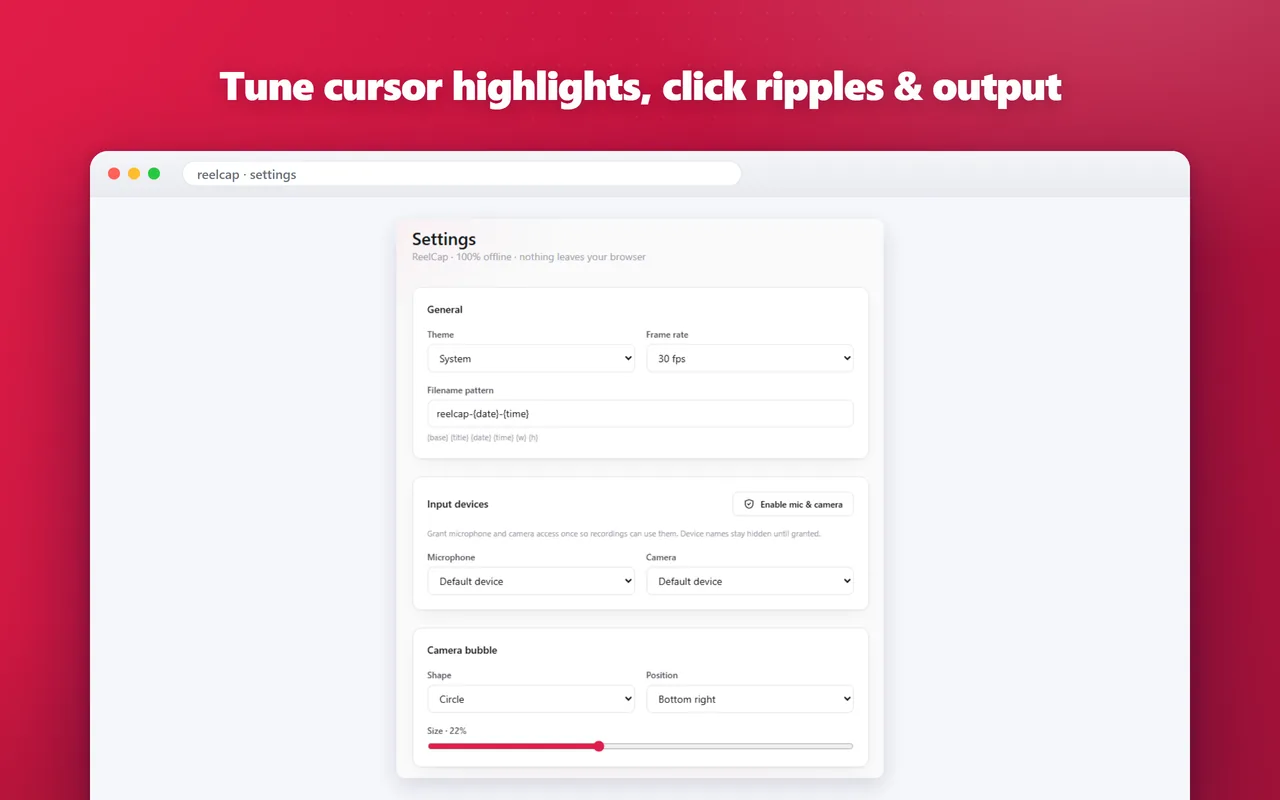
- Webcam bubble in any corner, plus 1080p, 720p, square or vertical output at 24/30/60 fps
- Pro adds click auto-zoom, MP4 and GIF export — still no watermark, no time limit, and every frame encoded on your own machine
Screenshots
Frequently asked questions
Is recording free?
Yes. Recording a tab — with your microphone, a webcam bubble and cursor effects — is free, with no watermark, no time limit and no account. Pro adds click auto-zoom, MP4 export and GIF export.
Does it record my whole screen?
No. It records only the browser tab you start it on: the page itself, without the browser's tabs, address bar or anything else on your desktop.
Is my video uploaded anywhere?
No. Capture, audio mixing and encoding all happen in your browser, and the file is saved straight to your downloads. The Pro features run locally too.
What format are recordings saved in?
WEBM by default, which most video platforms accept directly. With Pro you can record straight to MP4, or turn a finished take into MP4 or a GIF.
What's new
All updatesRecord straight to MP4, or export a take as MP4 or GIF
On recent versions of Chrome, ReelCap can record directly to MP4. Any finished recording can also be converted to MP4 or turned into a GIF from the preview page, and the conversion runs entirely on your own machine.